
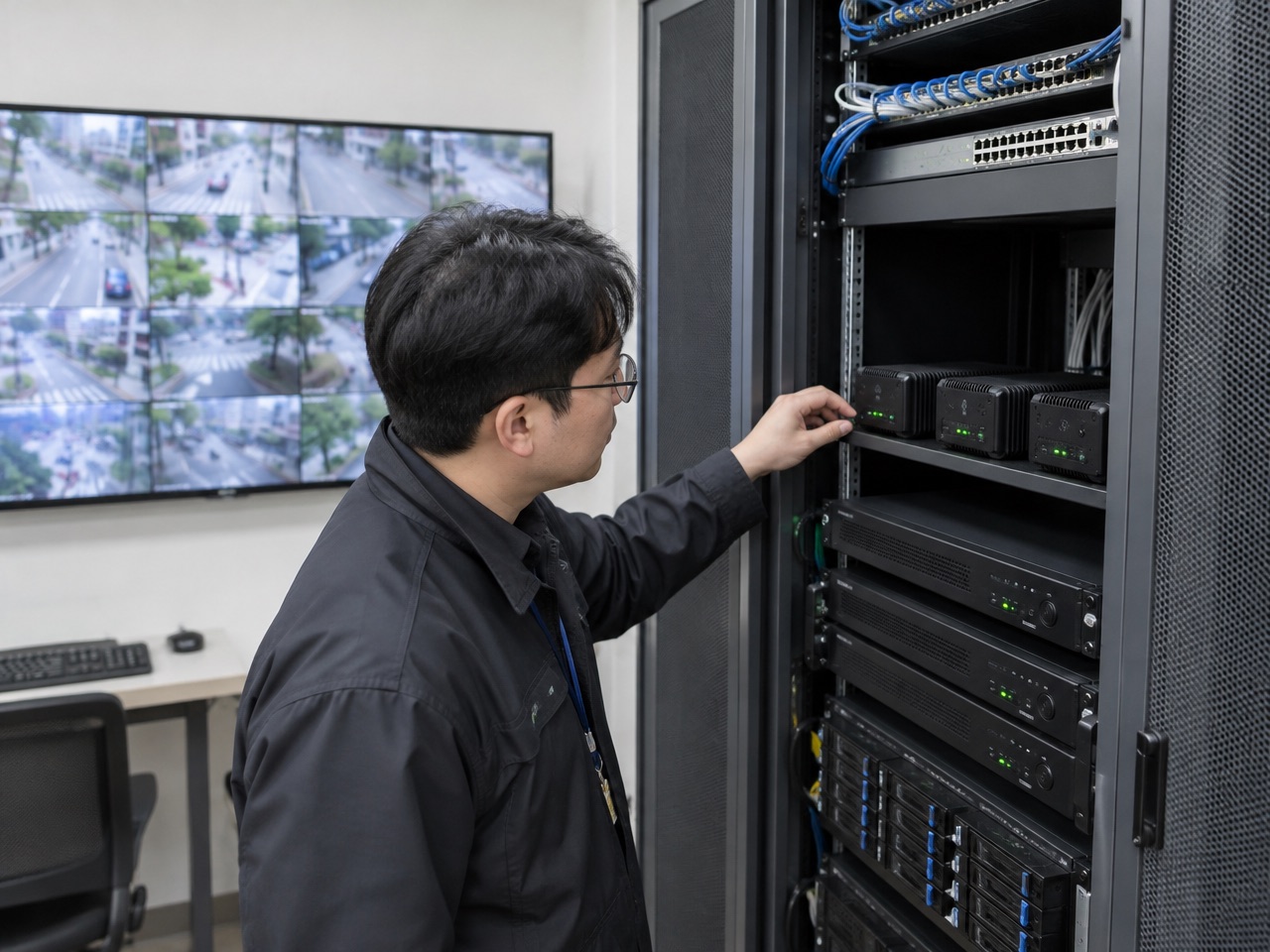


AI BOX shrinks video size by about 85% right next to the camera, so the same storage keeps more days.
One box sits between your cameras and storage. Your cameras and VMS stay as they are.
Later, you search the index instead of rewinding hours of footage. If the link drops, compression and recording keep going.
What keeps operators up at night isn't the storage bill. It's being asked for footage from a specific day and having to say it's gone. More storage gives you more space. Compression makes each day of footage smaller.
What matters isn't how much you cut. It's whether you clear the line.
Sites on wireless linksYou pay for bandwidth every month to send video. Send less, and that bill drops with it — and you gain retention too.
Wired private networks · small sitesBandwidth is effectively free here, so sending less doesn't save money. What you get at these sites is retention, and only retention.
Two product lines, matched to your site. We recommend one after checking your channel count, processing mode (after-the-fact search or real-time) and installation environment.
Runs on a low-power edge processor. Handles 4 channels, analyzing 2 frames per second. The standard setup for control center sites.
Runs on a higher-end processor with an NPU. Handles real-time processing and 4–8 channels. Built for sites with heavier workloads.
| Camera connections | 4 channels per box (High Performance: up to 8) |
|---|---|
| Scaling | Add 1 box per 4 channels (no new servers) |
| Integration | ONVIF · RTSP (works alongside your VMS) |
| Supported formats | 4K (UHD) / 1080p / H.264 / H.265 / MJPEG |
| Compression | About 85% less (measured on site; varies by scene) |
| Measured 4K bitrate | About 2.1Mbps (about 22.75GB per channel per day) |
| Processor / graphics | Standard: low-power edge processor · High Performance: NPU processor · integrated graphics acceleration |
| Memory / storage | 32GB DDR5 · M.2 NVMe 512GB |
| Encryption | AES-256 |
| Dimensions / weight / material | 240 × 190 × 50mm · 1.9kg (net) · aluminum alloy case |
| Power | DC 12V (9V–36V optional) |
| Environment | Operating -10°C to 60°C · storage -20°C to 70°C · humidity 10%–90% (non-condensing) |
On the Standard line, one box handles 4 channels. 40 cameras need 10 boxes; 100 cameras need 25. As you add cameras, you add boxes, not servers.
Compression happens in the box next to the camera, so you don't need a central GPU server. In fact, sites without a server room are our main focus.
No. It connects over ONVIF and RTSP, so any camera brand works, and your VMS keeps running alongside it. For older setups, send us the software name, version and how your cameras connect, and we'll check.
Everything is processed locally at the edge, so compression and recording keep going when the link drops. The network is only used to send footage out remotely.
About 85%, measured on site. More motion in the frame leaves less to cut, so it varies by area. Tell us your foot traffic, share of vehicles and share of nighttime footage, and we'll set up a demo for those conditions.
The loss is hard to notice. The best way to judge is in a demo: compare the original and compressed streams side by side, using the kind of scenes you actually monitor.
If your goal is 30 days at 4K, you may need several more storage units. A new codec cuts about half, but at 4K 16Mbps that still only gets you to about 15 days — short of a 30-day policy.
We'll send a quote. Share four things — channel count, storage capacity, retention policy (days), and current image quality plus any 4K plans — and we'll include a retention calculation.
Send us four things — channel count, storage capacity, retention policy (days) and current image quality and 4K plans — and we'll calculate how many days your current setup can keep.